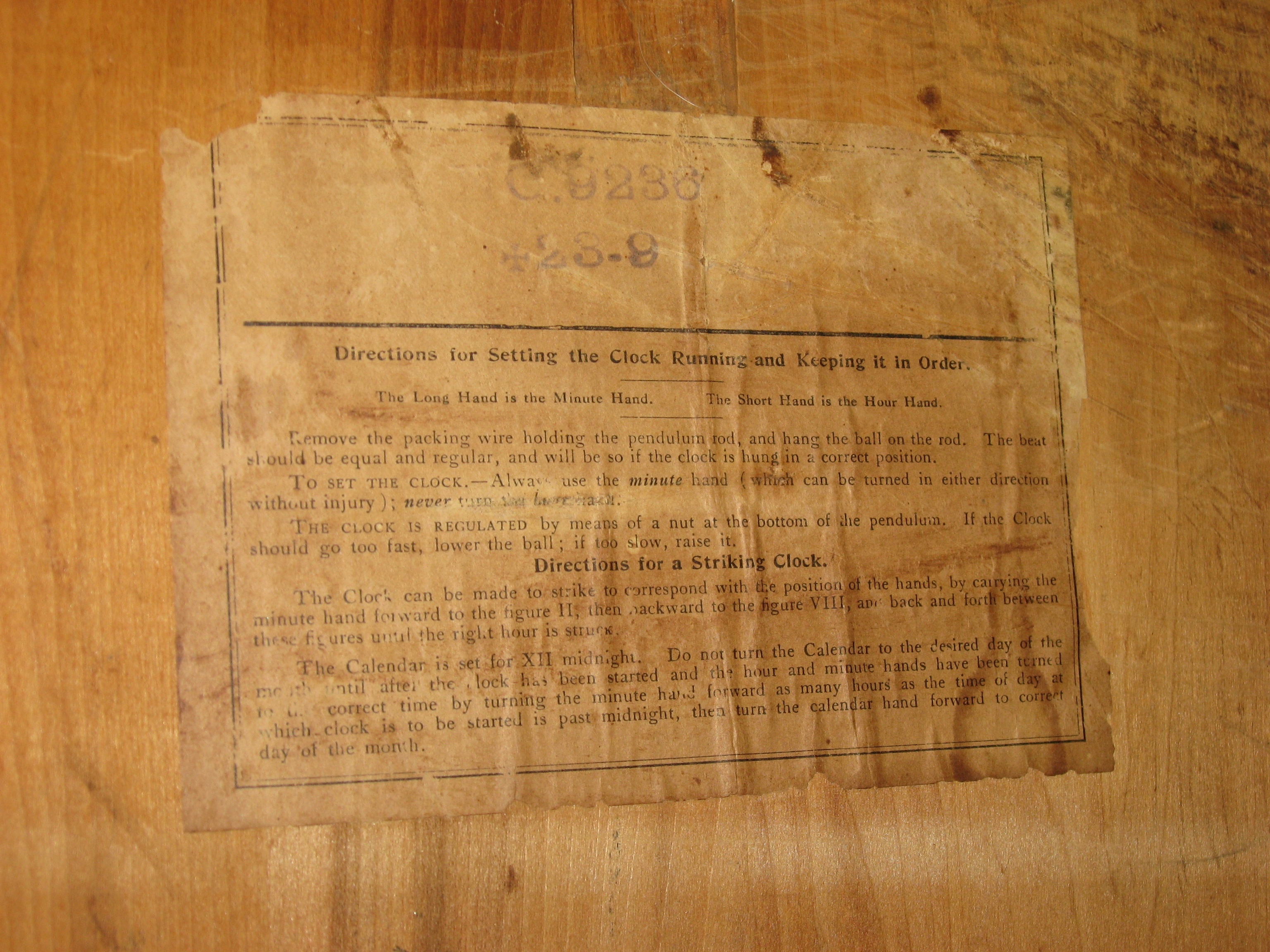
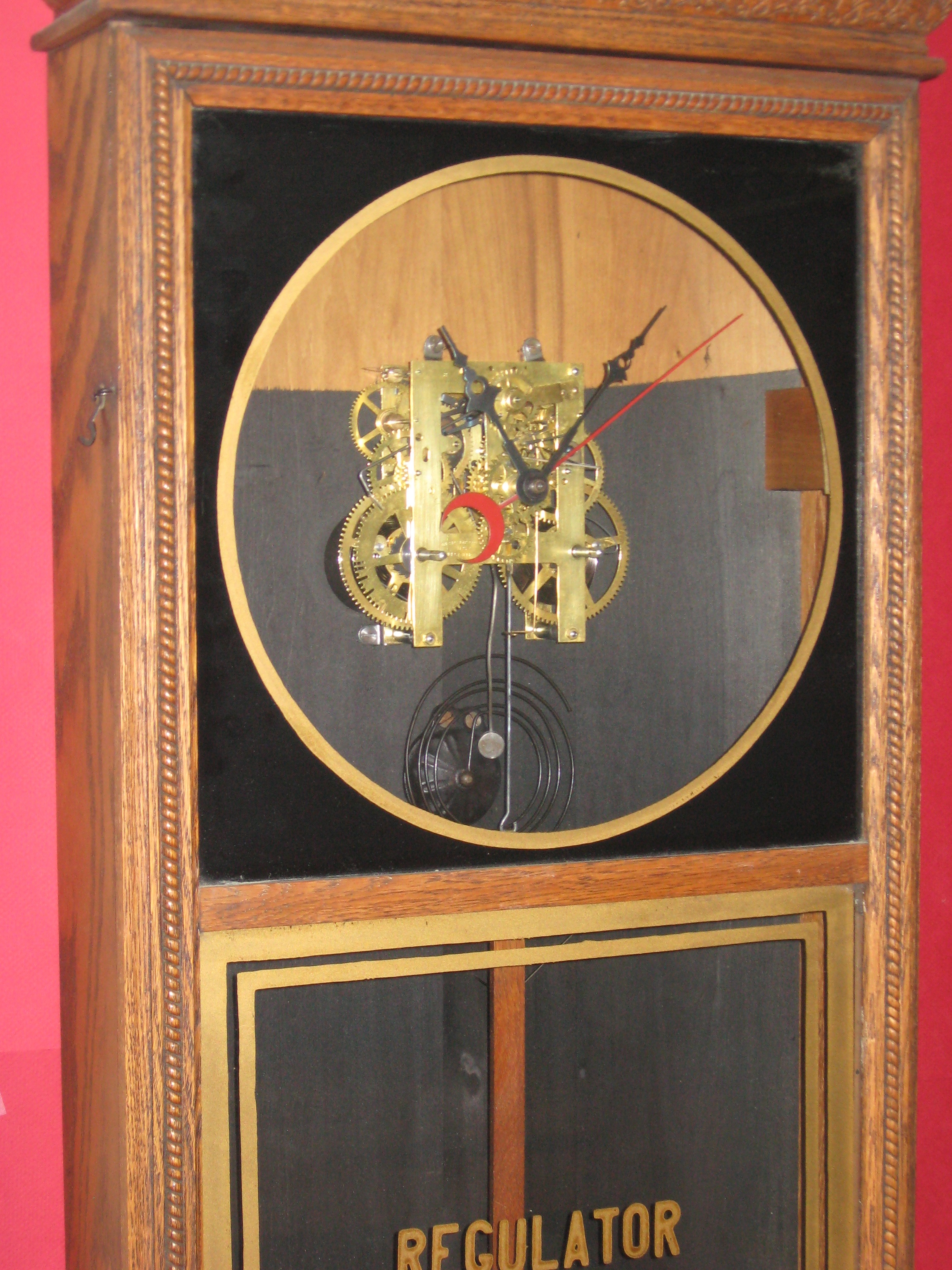
Here is a Sessions wall clock in an oak case. Collectors often refer to this style of clock as a “Store Regulator”. This example strikes the hour and half-hour, and has a red calendar hand that indicates the day of the month.

See more photos.
Setting the Calendar
The calendar hand advances automatically each night, from around 11 p.m. to 1 a.m. To set the calendar, push the long end of the red hand forward to the correct day. Move the hand only during the hours of 6 a.m. to 4 p.m., ( when the calendar hand is not engaged by its drive mechanism).
After a month of less than 31 days, set the calendar hand ahead to the correct day. Do this from 6 a.m. to 4 p.m., ( when the calendar hand is not engaged by its drive mechanism).
Repair Work
Repair job 6357. I polished the pivots, installed 13 bushings, smoothed the clicks, installed new click rivets and replaced the round brass clicksprings with round steel clicksprings.
Share this post:


If I’m setting the calendar hand, can I move it backwards between 4:00 p.m. and 6. :00 p.m. to get the right calendar date
If the clock is set up correctly, the date hand will move approximately from 11 p.m. to about 1 a.m. It might be different, depending on how the hands were installed. When setting the date hand manually, the important thing is to move it when the clock mechanism is NOT moving it.
Do you only move the date hand between 6am and 4pm! Also can it change before 11pm and 1am ?
I’ve seen several with red calendar numerals, but the black seems to be much more common.
I have a regulator store box type clock with the regulator inside a rectangle shaped gold outline and each day of the calender around the dial is numbered in red numbers not black. I have not seen one like this yet.